How to add FAQ schema so AI search engines can cite your website
📌 Key Takeaways
The problem: Search is shifting to AI answers, but if your content isn’t structured, AI engines can’t read or cite it-so you’re invisible in that layer.
The fix: FAQ schema for AEO hands AI engines your answers in a format they can extract and attribute. It’s a foundational step, not a ranking hack.
Who it’s for: Business owners who want to be cited by ChatGPT, Perplexity and AI Overviews-with honest expectations of what schema does.
This week I took my own site to 100/100/100 on SEO, AEO and GEO readiness on my site checker-every signal green, including the one that had been failing for a month. The fix for that last red cross was FAQ schema, and setting up FAQ schema for AEO is one of the simplest, most useful things you can do to a site right now.
Before I walk through it, one honest caveat, because I’d rather you trust me than oversell you: a perfect checker score means your site is structured and readable for AI search-it does not mean you’ll rank first on Google tomorrow. Those are different things, and I’ll explain why as we go. But making your content easy for AI answer engines to read and cite is real, worth doing, and mostly overlooked. Here’s how to use FAQ schema for AEO properly.
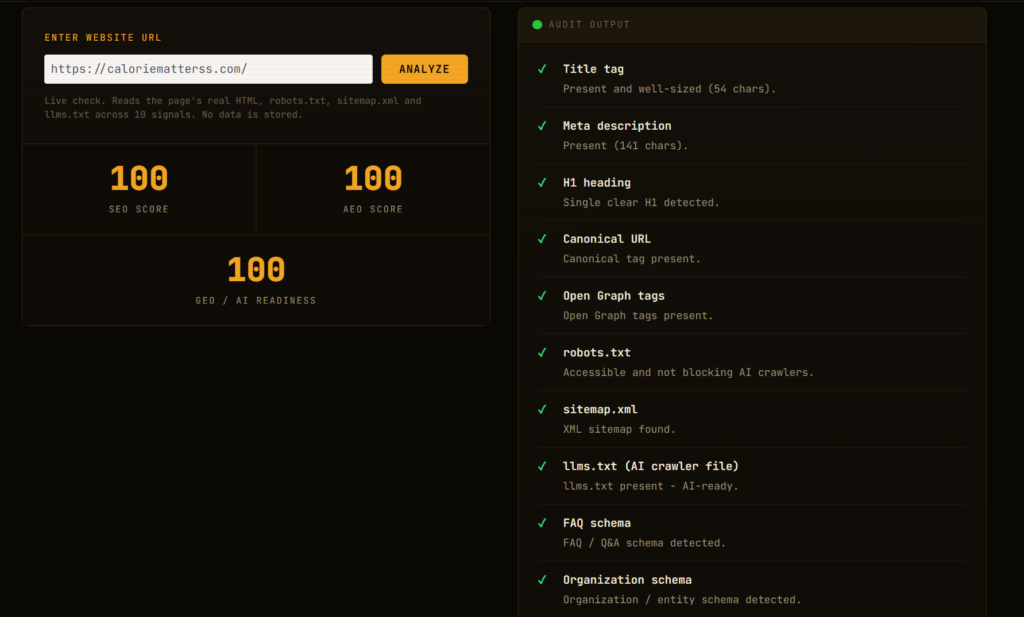
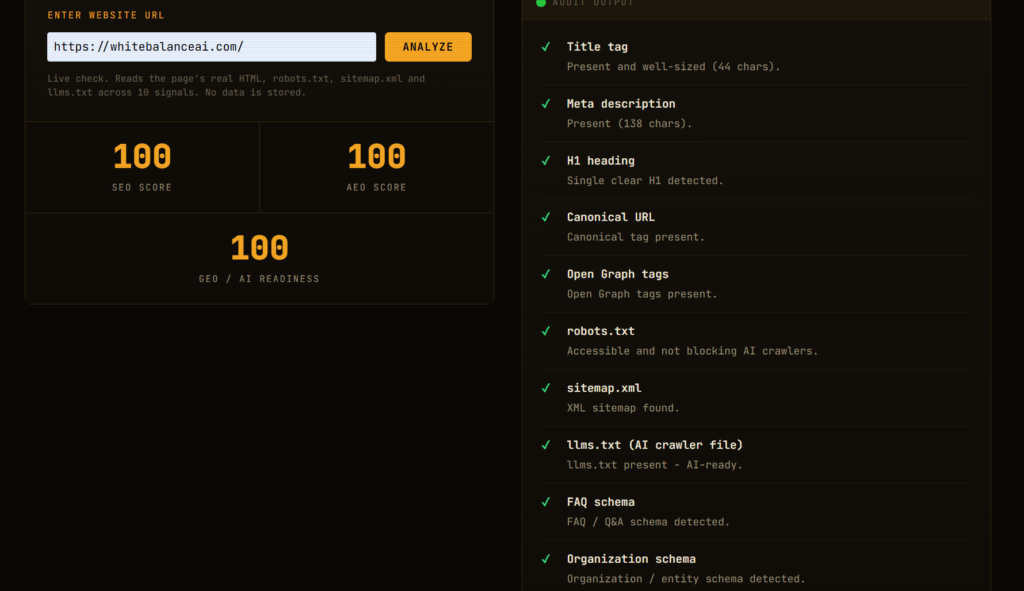
Table of Contents
What is FAQ schema in AEO, in plain terms?
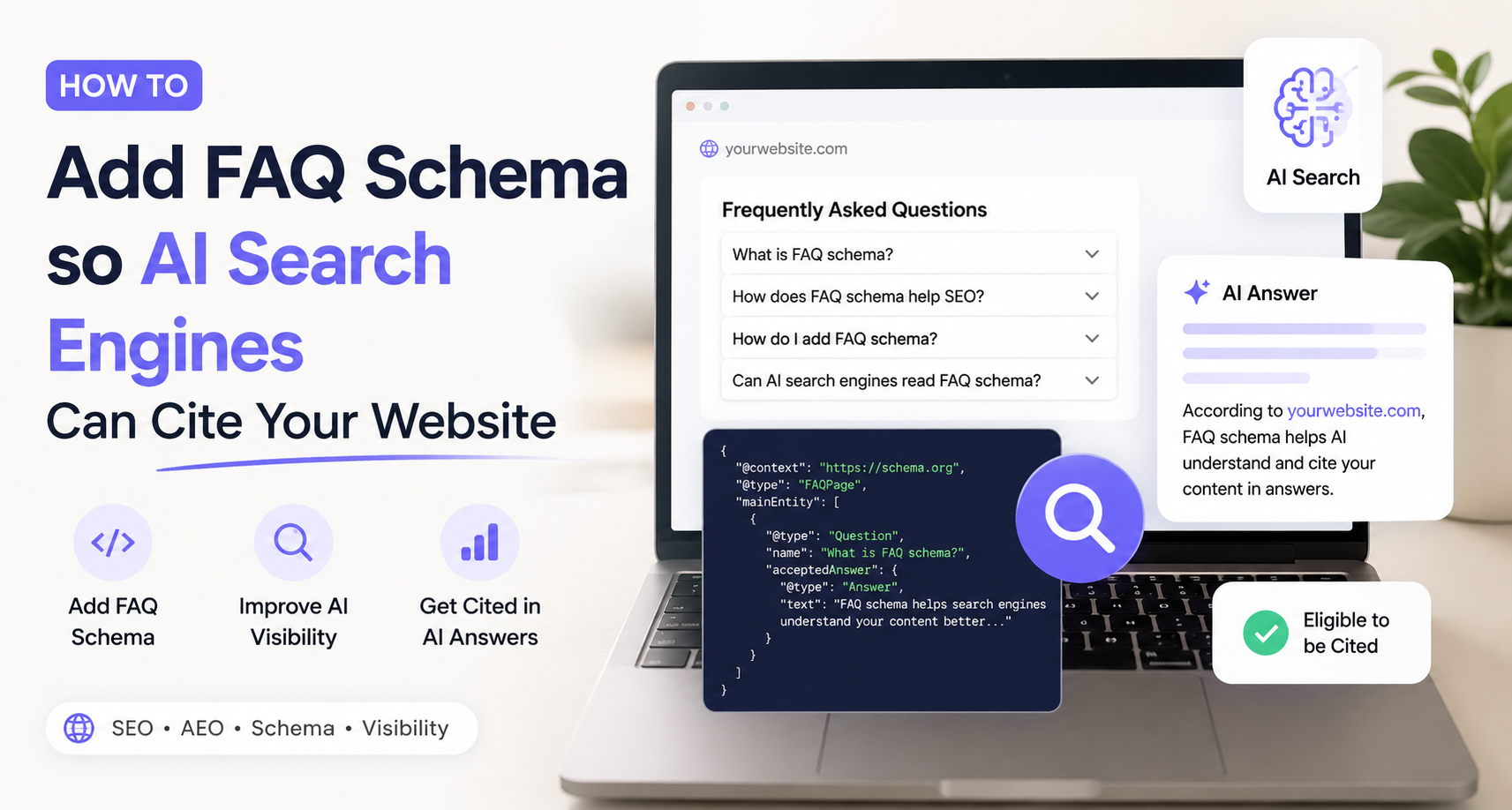
FAQ schema is a small block of structured data-code written in a format called JSON-LD ,that lists questions and their answers in a way machines can read cleanly. Humans see your normal page. Search engines and AI models see a tidy, labelled set of “here is a question, here is the answer to it.”
That labelling matters because AI answer engines don’t read a page the way a person does. They look for content they can extract, trust and attribute. When your answers are wrapped in FAQ schema, you’re handing them the answer on a plate, already formatted, already tied to a clear question. That’s the whole point of FAQ schema for AEO: you make your content easy to quote.
What is AEO, and how does FAQ schema fit in?
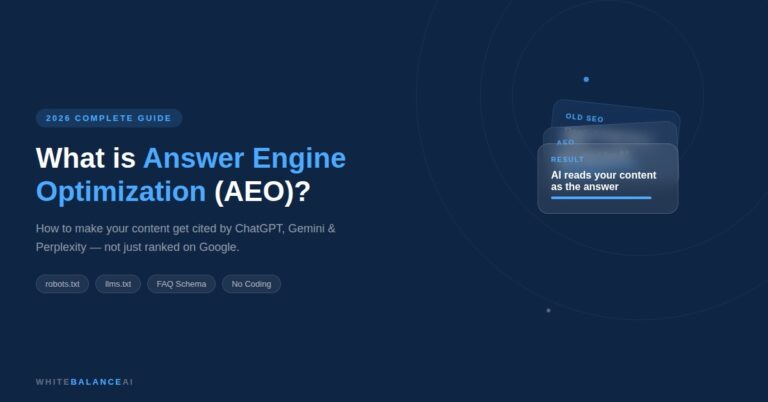
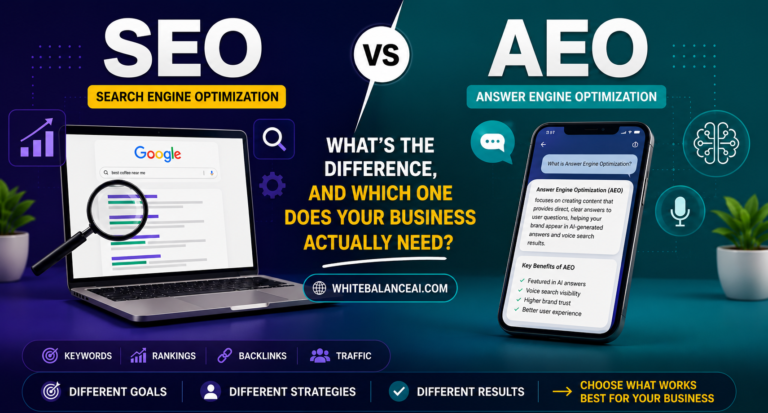
AEO stands for Answer Engine Optimization-the practice of structuring your content so AI answer engines like ChatGPT, Perplexity and Google’s AI Overviews can extract and cite it. Where traditional SEO aims to rank your page in Google’s list of links, AEO aims to make your content the answer an AI tool quotes.
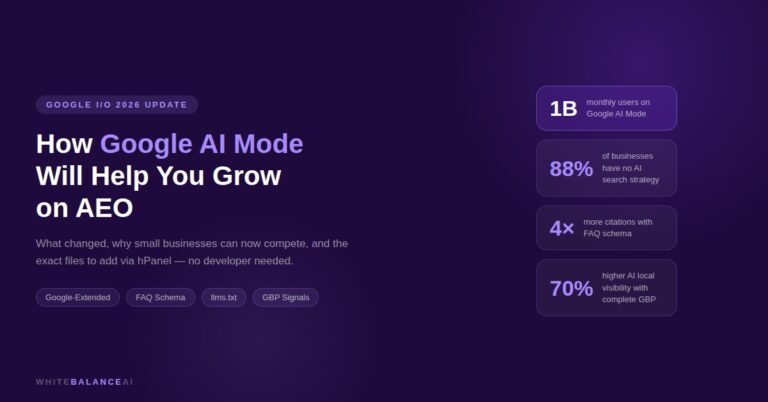
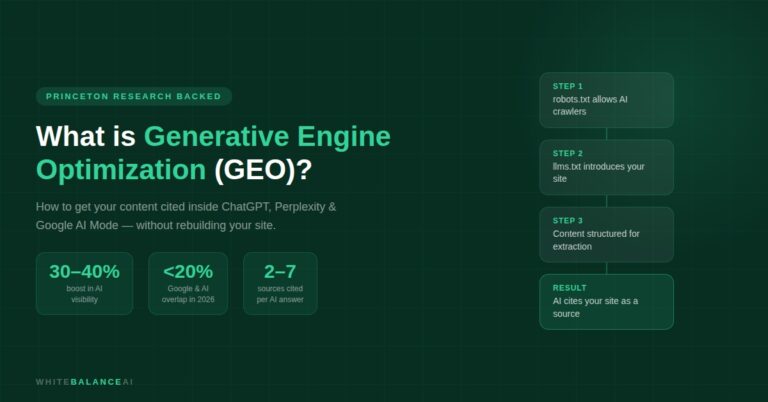
FAQ schema is one of AEO’s core building blocks. It sits alongside other signals-clean structured data, an llms.txt file, answer-first writing and strong authority-and its job is specific: turn your questions and answers into something a machine can lift directly. GEO, or Generative Engine Optimization, builds on the same foundation by strengthening how reliably generative AI tools reference your brand. FAQ schema for AEO is often the first practical brick people lay, because it’s low-effort and it’s exactly what AI engines reach for.
Does FAQ schema make you rank higher on Google?
Here’s the honest answer, because this is where people get misled. Adding FAQ schema does not, by itself, make you rank higher on Google. It’s one signal among hundreds. Google still weighs your content quality, your authority, your backlinks, your site speed and whether your page actually matches what someone searched for. Schema is a foundation, not a shortcut.
Google also stopped showing FAQ rich results (those expandable question dropdowns) in regular search back in 2023 for most sites, so you won’t usually see a visible change in Google itself. If someone tells you FAQ schema is an easy ranking hack, be skeptical-it isn’t, and treating it like one will only disappoint you.
What FAQ schema genuinely helps with is different and, right now, more interesting: making your content readable and citeable by AI search engines. That’s the AEO angle, and it’s where the real opportunity is.
Why FAQ schema for AEO matters right now
When someone asks Perplexity or ChatGPT a question in your field, those tools assemble an answer from sources they can parse and trust. A page with clean FAQ schema is far easier for them to pull from than a wall of prose where the answer is buried in paragraph four. You’re not tricking anything-you’re removing friction. You’ve said, in a format the machine understands: “this exact question, this exact answer, from this site.”
Over time, as more search shifts into AI interfaces, being the source that gets cited is worth more than being the tenth blue link nobody clicks. FAQ schema for AEO is one of the cheapest ways to start showing up in that layer, which is why it’s worth doing even though it won’t move your Google ranking on its own.
How do you add FAQ schema to your website?
There are two clean ways to add FAQ schema, depending on where you’re putting it.
On a blog post, the easiest route is a plugin. If you use WordPress with RankMath, its FAQ block lets you type questions and answers into the editor, and it displays them on the page and generates the schema for you automatically. You never touch code. The key rule: let the plugin generate the schema, and don’t also paste your own JSON-LD for the same questions, or you’ll create duplicate schema, which search engines flag as an error.
On a homepage or a landing page where you don’t want a visible FAQ section cluttering the design, you can add the schema on its own as an invisible block of JSON-LD. Nothing shows on the page; the structured data sits quietly in the code for machines to read. This is a legitimate and common approach for AEO, with one caveat worth knowing.
Should FAQ schema be visible on the page?
Google’s own guidance says structured data should reflect content that’s actually visible on the page. If you add invisible FAQ schema with no matching questions on screen, Google may choose to ignore it for its own features. That’s the trade-off to understand before you decide.
In practice, for AEO purposes, invisible FAQ schema still does useful work-AI engines and site checkers read it fine, and it describes what your business does in a machine-readable way. But if you want to stay fully within Google’s guidelines and keep the option of any future rich results, the safer pattern is to have both: a visible FAQ section on the page and the schema that matches it. On a blog post, the plugin gives you both automatically. On a homepage, it’s your call between a clean design with invisible schema, or a visible FAQ block that’s fully compliant.
Neither is wrong. Just make the choice knowingly rather than assuming invisible schema is a guaranteed win.
What makes a good FAQ for schema?
The questions you choose matter more than the code. Good FAQ schema answers the questions real people actually ask about your work, phrased the way they’d ask them.
Write genuine questions a customer or a curious searcher would type, not keyword-stuffed fragments. Give each one a clear, self-contained answer of a few sentences that makes sense even when pulled out of context, because an AI engine will pull it out of context. Keep the answers honest and specific to your business. Resist the urge to cram every service keyword into one answer; that reads as spam to both people and machines, and spammy structured data can get you penalised rather than rewarded.
A handful of real, well-answered questions beats twenty thin ones. Quality of answer is what gets cited.
How do you check your FAQ schema is working?
Once you’ve added FAQ schema, verify it rather than assume. Google’s Rich Results Test lets you paste a URL or code and see whether the FAQPage schema is detected and valid. A site checker that scores AEO signals will also tell you whether FAQ schema is present, which is exactly the check that flipped green on my own site after I added it.
If the test shows errors, the usual culprits are duplicate schema (two sources generating FAQ markup for the same page) or malformed code (a missing bracket in hand-written JSON-LD). Fix those and re-test. It’s a quick loop.
Is FAQ schema for AEO worth doing?
Yes-as long as you understand what you’re buying. FAQ schema is a low-effort, foundational step that makes your content easier for AI answer engines to read and cite, and it clears a signal that AEO-focused site checkers look for. It won’t rank you overnight, it won’t replace good content, and it won’t guarantee a citation. What it does is remove a barrier between your answers and the tools that increasingly deliver answers to people.
In a search world moving steadily toward AI-generated answers, being structured, readable and citable is table stakes. FAQ schema for AEO is one of the first bricks you lay. It’s worth laying properly, with honest expectations, rather than chasing it as a hack.
This happening right now read it- WordPress plugin vulnerabilities
Frequently Asked Questions
What is FAQ schema for AEO?
FAQ schema for AEO means using FAQPage structured data to make your questions and answers easy for AI answer engines to extract and cite. It’s a core building block of Answer Engine Optimisation, helping tools like ChatGPT, Perplexity and Google AI Overviews read and quote your content cleanly.
Does FAQ schema improve Google rankings?
Not on its own. FAQ schema is one small signal among hundreds Google uses. It helps search engines and AI tools understand and cite your content, but rankings still depend on content quality, authority, site speed and search intent. Treat schema as a foundation, not a ranking shortcut.
Will FAQ schema show those question dropdowns in Google search?
Usually not any more. Google removed FAQ rich results for most sites in 2023, so you typically won’t see visible dropdowns in search. The schema still helps AI answer engines read and cite your content, which is its main value today.
Can I add FAQ schema without a visible FAQ section on the page?
Yes, as invisible JSON-LD, and AI engines and site checkers will read it. Be aware that Google prefers structured data to match visible page content, so for full compliance a visible FAQ section plus matching schema is the safer pattern. For AEO purposes, invisible schema still does useful work.
What’s the easiest way to add FAQ schema in WordPress?
Use a plugin like RankMath’s FAQ block. You type the questions and answers in the editor, and it both displays them and generates the schema automatically. Avoid pasting your own JSON-LD for the same questions as well, or you’ll create duplicate schema errors.
How do I know if my FAQ schema is working?
Use Google’s Rich Results Test to confirm the FAQPage schema is detected and valid, or run an AEO-focused site checker that flags whether FAQ schema is present. If you see errors, check for duplicate schema or malformed code, fix them, and re-test.
⭐ Found this helpful? Add WhiteBalanceAI as your Google Preferred Source so these WordPress guides show up more often for you. Set WhiteBalanceAI as a preferred source →
🌿 Want to see AEO in action?
Caloriematterss is a real-world niche food blog built with AEO (Answer Engine Optimization) and GEO (Generative Engine Optimization) principles from the ground up. Explore how structured recipes, FAQ schema, internal linking, and AI-friendly content work together in a live website.
Visit Caloriematterss →🚀 Starting your first website?
The platform you begin on shapes your speed, security, and how little you have to fight with later. The one I use and recommend is Hostinger — simple enough for a non-technical owner, runs WordPress cleanly, and handles the hosting essentials so you don’t manage servers.
Start with Hostinger →Disclosure: this is an affiliate link. If you sign up through it, I may earn a small commission at no extra cost to you. I only recommend tools I actually use and trust.